



Price: $45.99
(as of Apr 26, 2026 06:26:44 UTC – Details)

Product description


Tips:
Regarding compatibility, application downloads, or any other issues, please let us know and we will provide you with a solution as soon as possible.
In daily use, most of the problems encountered can be fixed by first restoring the factory settings and then upgrading the system.
Restore factory settings path: Click on “Settings” → dropdown, click on “Device Preferences” → click on “About” → click on “Restore factory settings or reset”.System upgrade path: On the homepage, click on “More APP” to enter the “More APP” page ->find the “FOTA Update” APP, click on this application to enter the system upgrade.
If you want to solve the problem as soon as possible, you can use your phone to take a picture of the problem and upload it to the website: Wetransfer, Generate a link and send it to my Outlook, LEFFOT2025. In order for engineers to analyze the reasons and provide solutions.
Application compatibility:
Our TV box comes pre installed with apps such as Ggle Play, Netf, Prim Video, YuTub, and more. It should be noted that these application manufacturers recommend using pre installed applications as they are already compatible with the TV box’s system. Manufacturers do not recommend installing or upgrading other versions to avoid compatibility issues that may prevent the application from functioning properly.If upgrading these applications results in compatibility issues or inability to use them properly, you can restore the normal use of the applications by resetting them to factory settings.If there are compatibility issues with the product during normal use, a system upgrade can be performed to fix them.
Application installation:
Most applications can be installed from Ggle Play, and it is recommended to choose the 32-bit system version or the universal version;Download and install the required apps, through the APKPure app store;Download the APK file and install the application through a USB drive:
USB installation method: Download the APK format (32-bit or universal version of the application, non ZIP/RAR compressed file) application installation package to the USB drive, and download the TV version (mobile version may not be compatible with remote control operation); Format the USB drive in FAT32/exFAT format (NTFS may not be recognized); Then, open the USB drive through “Media Center” or “File Manager”, long press the APK file and select “Package Installer” to install.
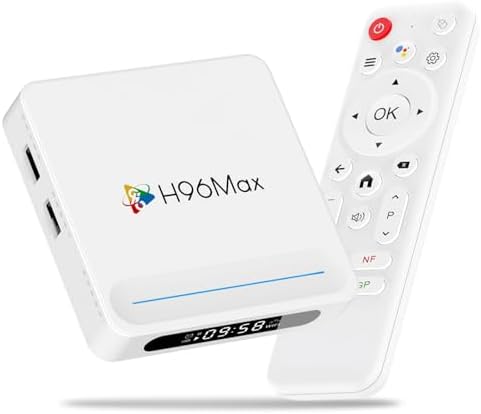
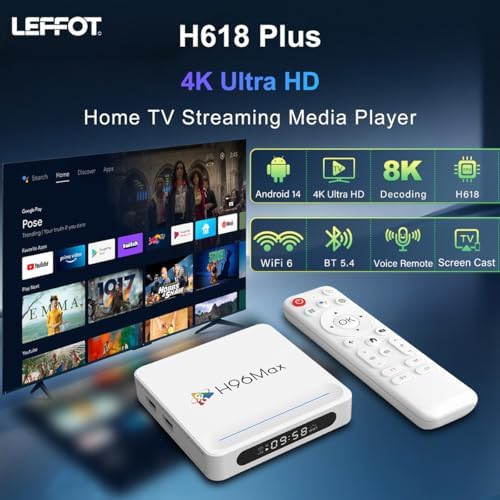
Android 14 with Open Ecosystem: Unlock a world of entertainment on this Android 14.0 TV box. Easily access a vast array of streaming apps and services through Gogle Play, turning your TV into a comprehensive smart streaming device.
2GB RAM + 16GB ROM: Enjoy snappy performance and ample space for apps and caches on this Smart TV Box, Satisfy your daily content viewing needs.
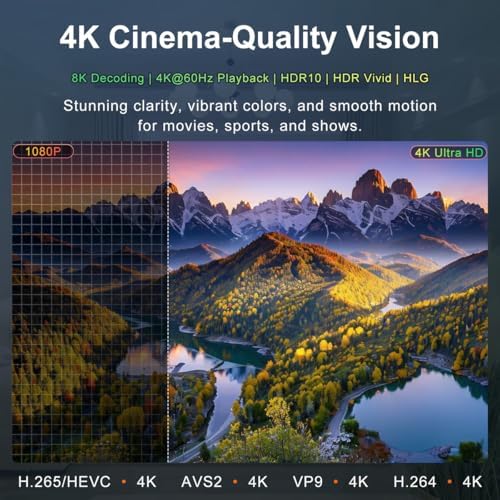
Powerful Quad-Core Performance: The Allwinner H618 ARM Cortex-A53 CPU and Mali G31 GPU paired with Android 14 ensure buttery-smooth navigation and flawless 4K video playback on your smart TV box, making it perfect for demanding streaming apps.
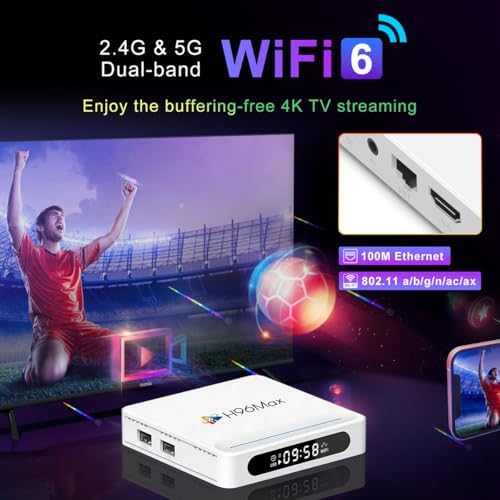
Stable & Fast Connection: Experience uninterrupted 4K streaming and smooth browsing, thanks to dual-band WiFi 6 and a 100M Ethernet port that provide a robust network for all your content needs.
Wireless Screen Mirroring: Effortlessly cast videos/photos from iOS/Android devices to your big screen using AirPlay/Miracast support with this versatile Android 14 box.
Comprehensive Port Selection: Dual USB 2.0, HDMI 2.0a, AV output, and DC power ports offer maximum connectivity for external devices, making this TV box Android 14 the perfect media center hub.
Voice-Controlled Convenience: Gogle Assistant integration allows hands-free control of your TV streaming box – simply speak commands to search content, adjust volume, or launch apps from across the room.
