



Price: $99.99 - $59.99
(as of Apr 21, 2026 21:11:07 UTC – Details)

Product description


HDMI display was in a corner not full screen
FIX be sure the Roku is set to 1080 resolution (NOT 4k or 720).
Image cut off
FIX in HDMI mode tap the dashboard screen and a little +/- appears in the top right corner. That’s a zoom feature, zoom out and the full image displays.
Fire TV or Roku turned off and on
FIX power the Fire TV or Roku directly off of the USB port on the Joywind device located next to the HDMI port (not a USB port on the vehicle).
HDMI mode kept flipping to CarPlay
FIX make sure that the wifi on the iPhone is off. The Fire TV or Roku can still connect to the iPhone mobile hotspot and stream.
Cannot use Bluetooth calling on the car’s system while in HDMI mode
The device connects to the car’s system and therefore the car is expecting calls to come through the connected CarPlay(Android Auto) device. It’s CarPlay(Android Auto) or HDMI, not both.
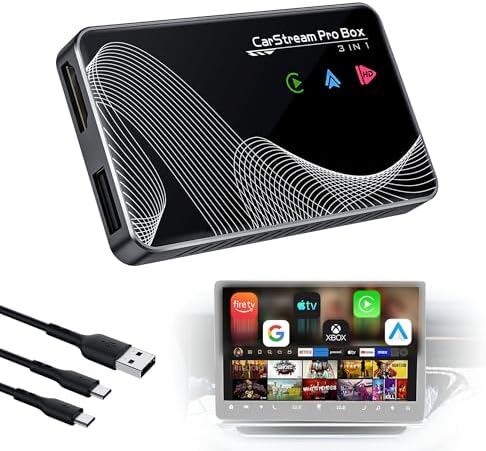
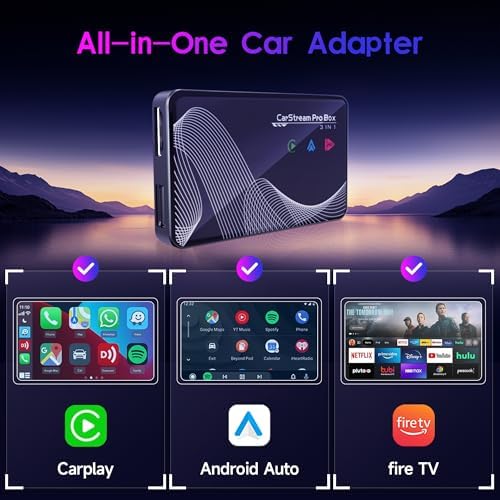
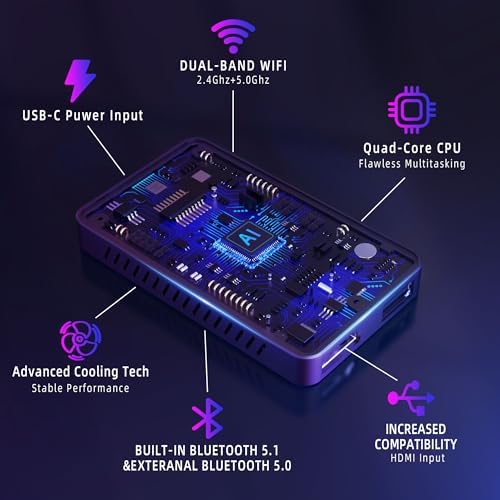
[Ultimate 3-in-1 Wireless Hub: CarPlay, Android Auto & HDMI TV] Experience the ultimate all-in-one solution that liberates your drive. Seamlessly upgrade your factory-wired system to enjoy both Wireless CarPlay and Wireless Android Auto, alongside a dedicated HDMI input. This single, sleek device eliminates cable clutter and offers unparalleled convenience, giving you instant wireless access to maps, music, calls, and voice assistants (Siri/Google) the moment you start your car.
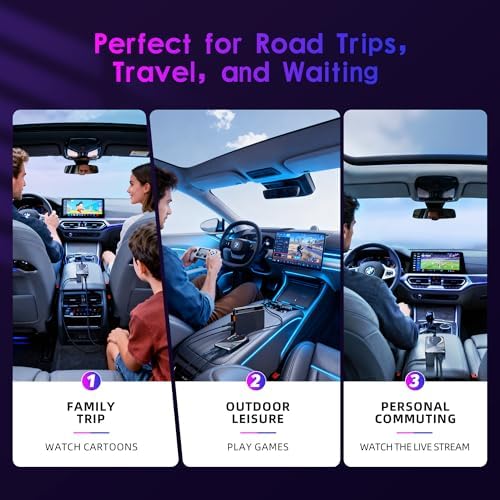
[Your Car, A Mobile Entertainment Theater] Transform your car screen into a vibrant entertainment hub for every journey. Simply plug in popular HDMI devices like Amazon Fire TV Stick, Google TV or game consoles to stream Netflix, YouTube, Disney+, and more in up to 2K clarity. Perfect for keeping passengers entertained on road trips, it also supports real-time screen mirroring from compatible smartphones.
[Effortless Setup, Automatic Connection] Designed for ultimate simplicity with a true plug-and-play setup. No apps to install—just connect the adapter to your car’s USB port. For wireless CarPlay/Android Auto, your phone will automatically reconnect upon entering the vehicle. The intuitive process gets you from unboxing to enjoyment in minutes, making every drive instantly smarter.
[Compatibility Alert] For the car streaming box to work, your vehicle must already have Apple CarPlay or Android Auto. Compatible with iPhone 7 and above (iOS 10.0+) and Android 11.0+ smartphones. Comes with USB-A to Type-C and Type-C to Type-C cables. Works with 98% of car models for maximum flexibility. (Note: Not compatible with Mazda/Tesla/BMW.)
[PLEASE NOTE] 1,To use Android Auto on an Android phone, you need to manually connect to the vehicle’s built-in Bluetooth. Please refer to the special instructions inside the package. 2,The adapter does not have a memory card and does not have a built-in app. 3,The adapter is not compatible with aftermarket head units.
